Colony Flow Level 129
Find a clear Colony Flow Level 129 walkthrough, then use the route and order notes to solve the puzzle with less trial and error.
Match The Correct Board Version
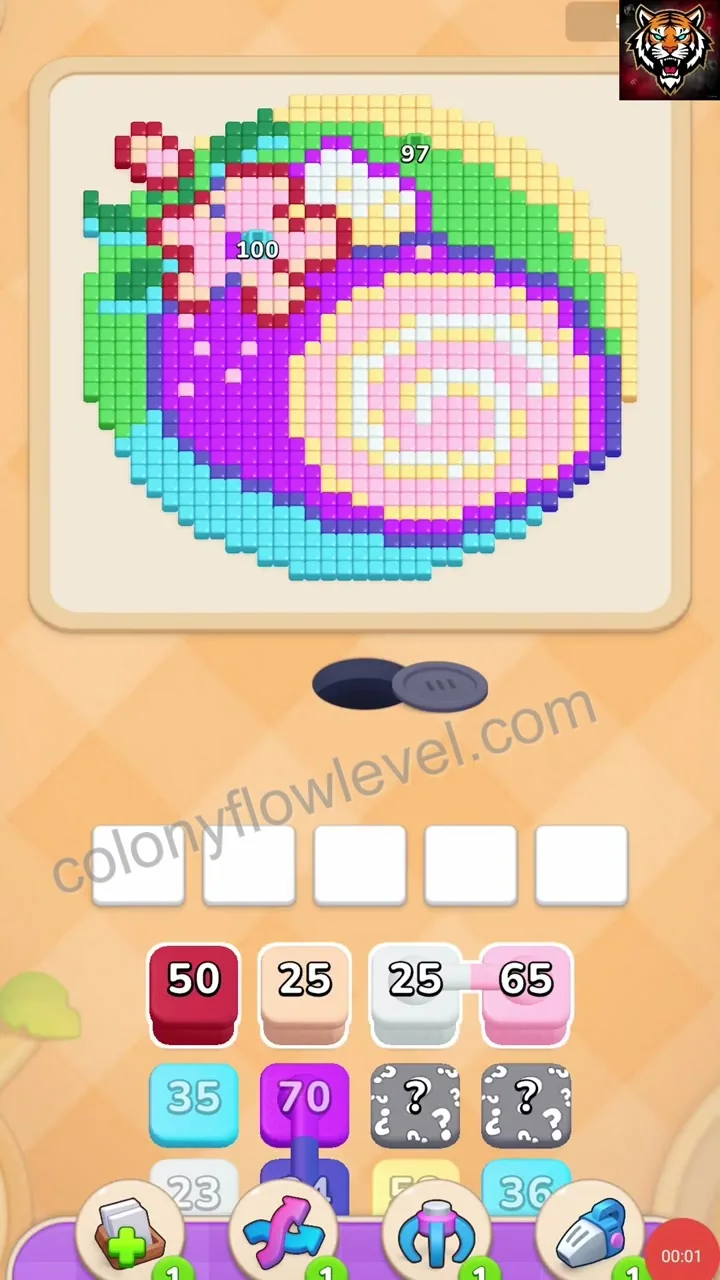
Colony Flow boards can look different across updates and devices. Compare the tabs below, choose the layout that matches your board, and use the guide for that version. If none look right, visit All Levels to browse by thumbnail first.
Puzzle Snapshot
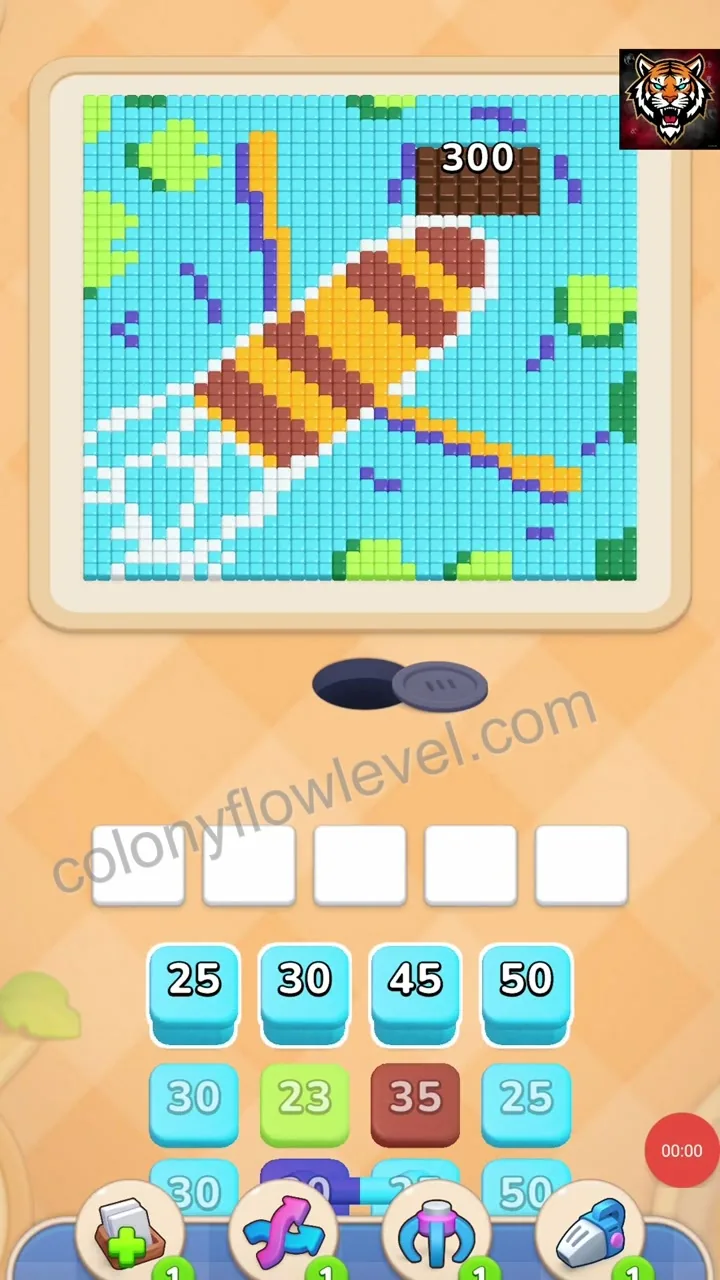
Prioritize clearing the outer light blue and cyan cube stacks to create space, then systematically clear the inner red and yellow stacks while maintaining open paths to the central color holes.
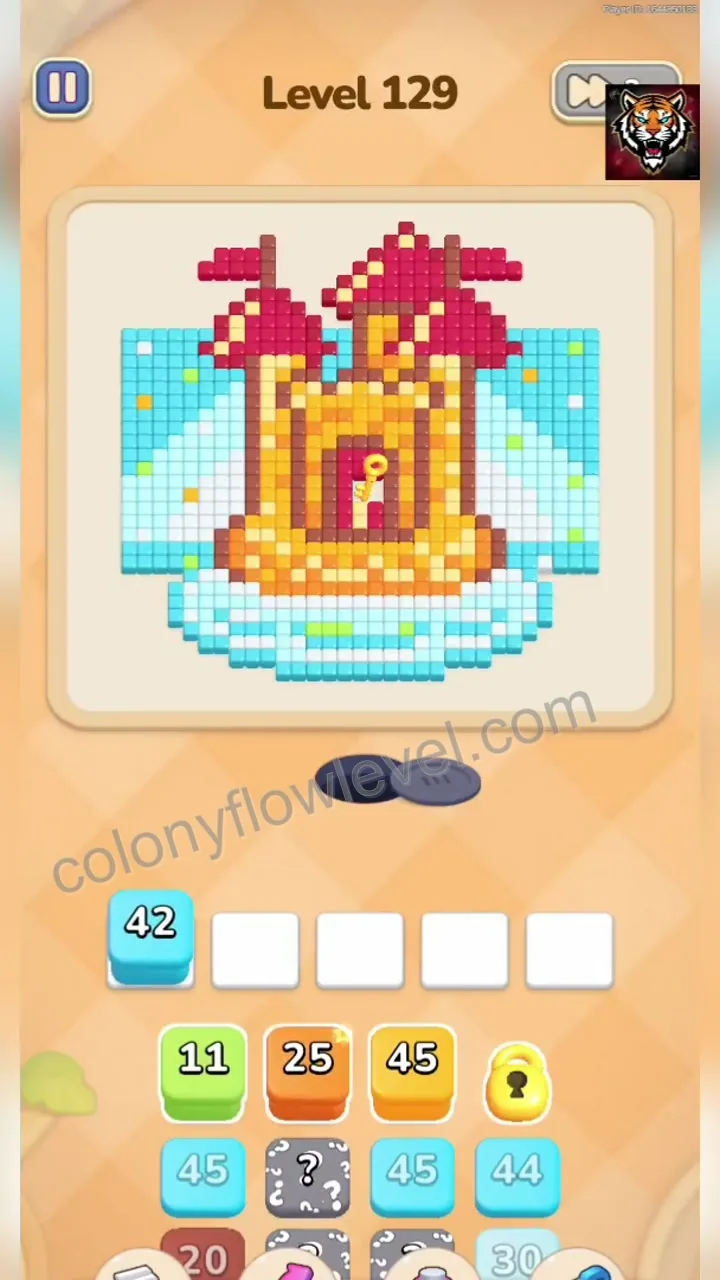
Initial board state showing a complex arrangement of light blue, cyan, red, and yellow cube stacks surrounding the central color holes, requiring a strategic clearing order to prevent path congestion.
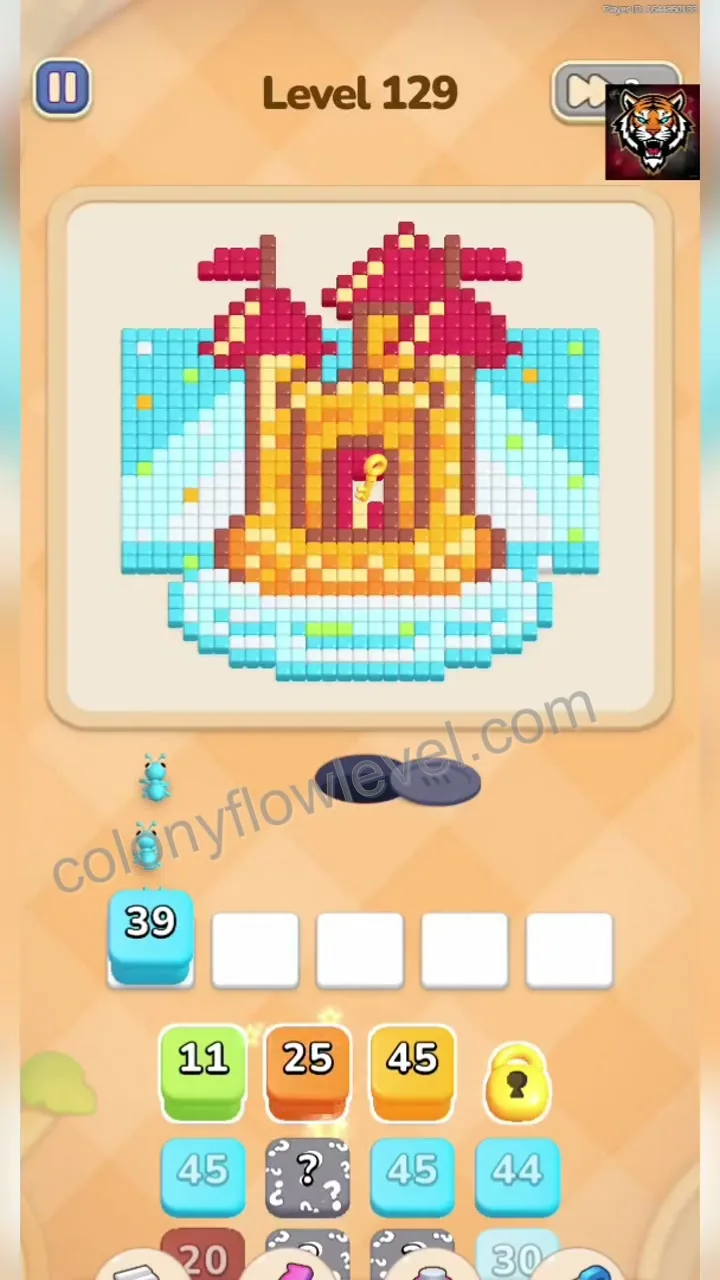
Tap the light blue cube stack to initiate the clearing process, which is essential for opening the outer perimeter and creating space for subsequent ant movements.
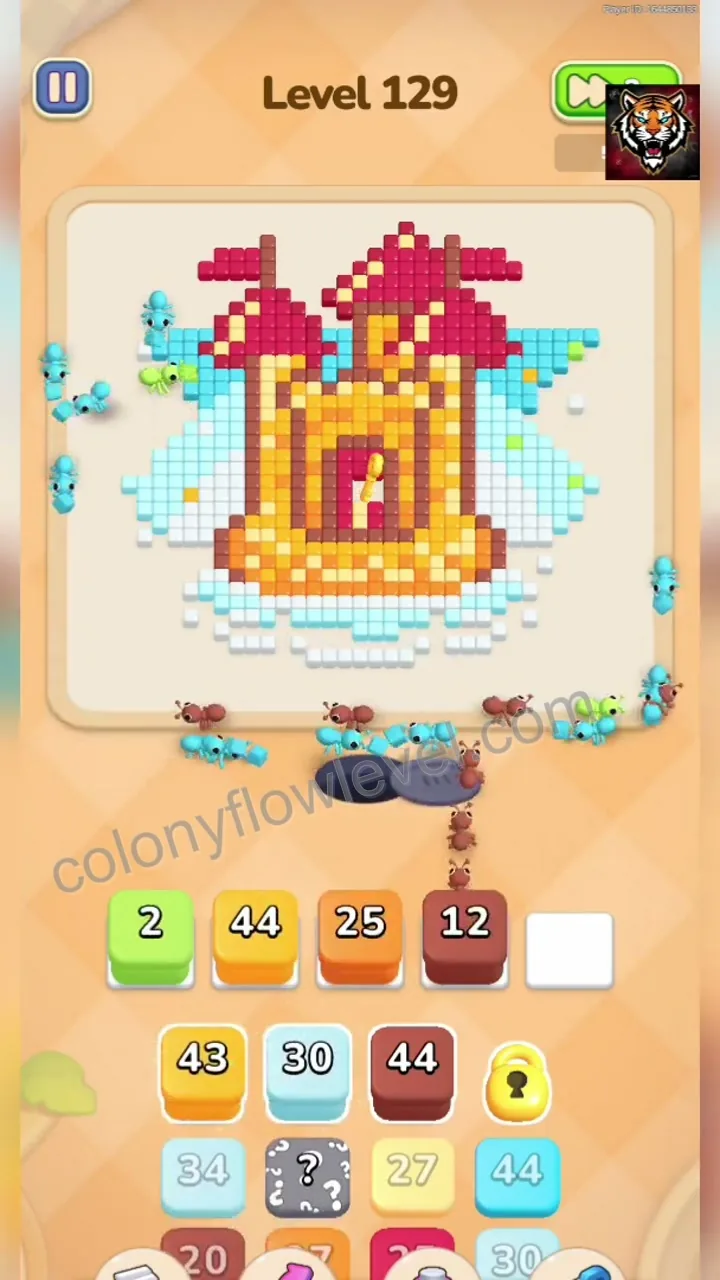
Activate the red cube stack to begin clearing the inner color clusters, which is necessary to unlock access to the central holes and prevent the colony from becoming gridlocked.
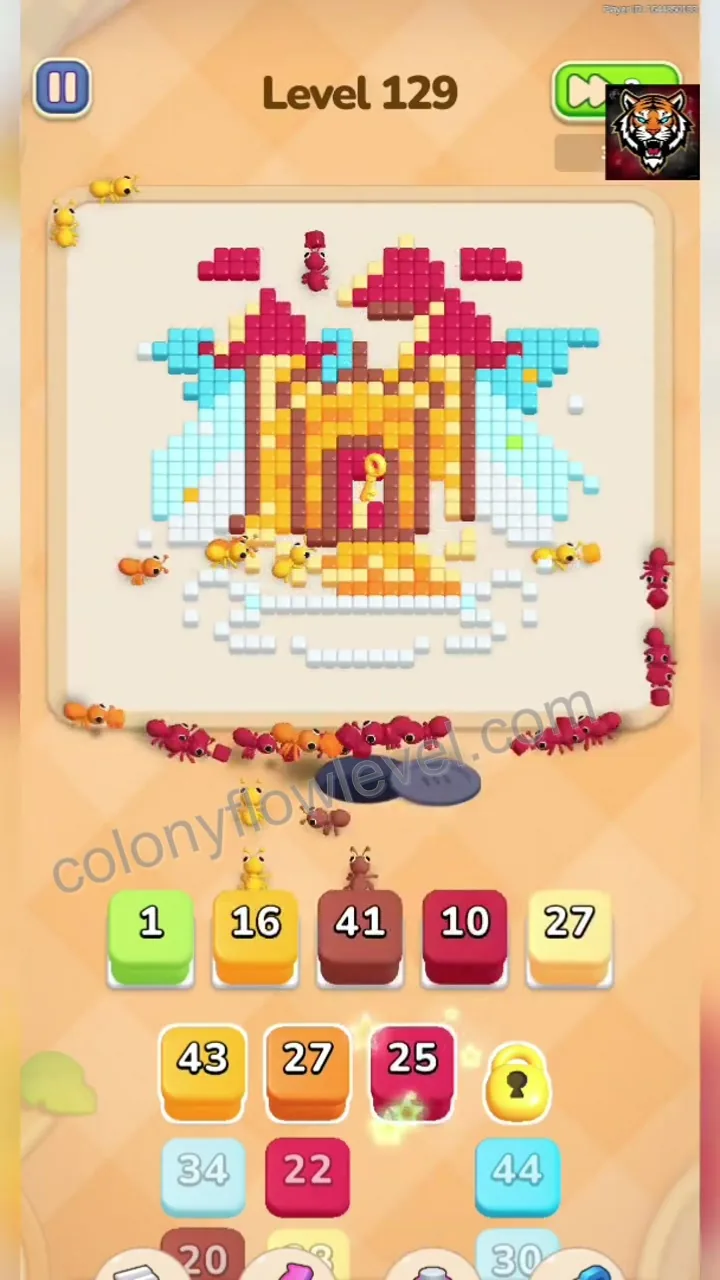
Tap the yellow cube stack to clear the final remaining color group, utilizing the previously opened paths to complete the level efficiently.
Comments (0)
Leave a Comment
No comments yet
Be the first to share your thoughts!