Colony Flow Level 143
Find a clear Colony Flow Level 143 walkthrough, then use the route and order notes to solve the puzzle with less trial and error.
Match The Correct Board Version
Colony Flow boards can look different across updates and devices. Compare the tabs below, choose the layout that matches your board, and use the guide for that version. If none look right, visit All Levels to browse by thumbnail first.
Puzzle Snapshot
Prioritize clearing the outer purple and blue cube stacks to create sufficient space for the central red and white cube deliveries, ensuring the colony paths remain unobstructed.
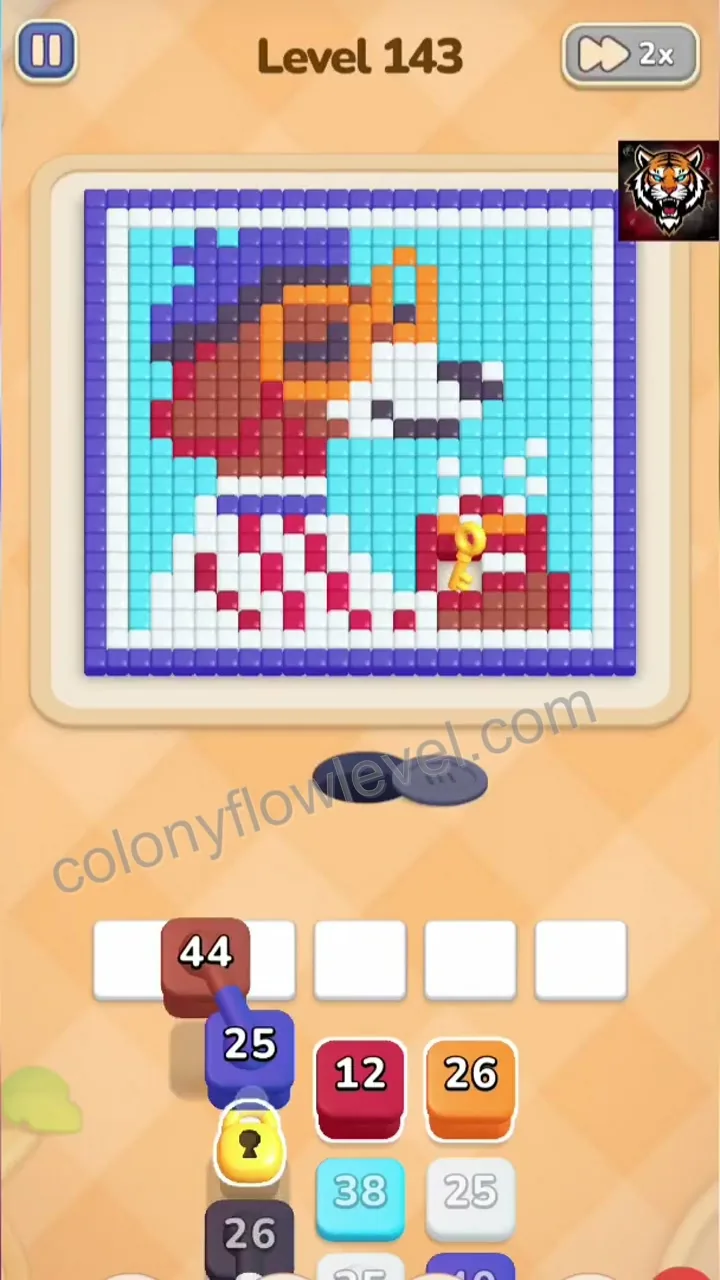
Initial board state showing a complex arrangement of purple, blue, red, and white cube stacks, where the primary challenge is managing the limited colony slots and clearing paths for the central cubes.

Tap the purple cube stack to begin clearing the outer perimeter, which is essential for freeing up the colony slots needed for subsequent color deliveries.
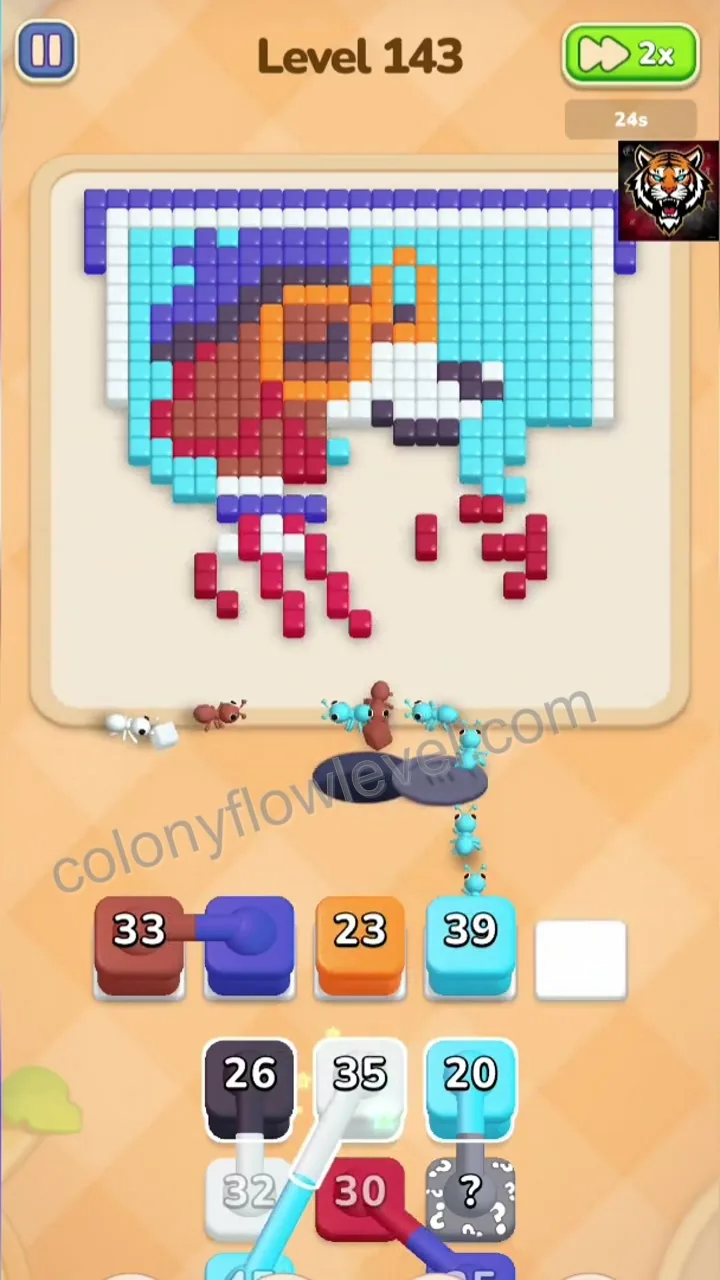
Activate the white cube stack to clear the central area, which is necessary to prevent congestion and allow the remaining red cubes to reach their destination.

Tap the final red cube stack to complete the level, as the previous clearing operations have successfully opened the required path to the red color hole.
Comments (0)
Leave a Comment
No comments yet
Be the first to share your thoughts!